
clientservice@lingo-tours.com 800-929-0661 TRAVELER LOG IN
Menu
  • The Difference
  • Customized Tours
    • Create a Tour
  • Standard Tours
    • Standard Adult Tours
    • Standard Student Tours
  • Get Ready
    • Travel Preparations
      • What to Pack
      • Insurance on Tour
      • Safety on Tour
      • Money on Tour
    • Find my Tour
    • Make a Payment
    • Make a Cancellation
    • Smartphone App
      • Privacy Policies
    • Tour Evaluation
  • About
  1. Home
  2. »
  3. Get Ready
  4. »
  5. Smartphone App

Smartphone App

Never miss any of your scheduled activities or events while on tour.

Easily download your tour itinerary and see a day by day breakdown of all your tour’s activities and events. You’ll be able to see all the important information such as dates, days, schedules, timings,  and the duration for  each of your tour’s activities, as well as hotel location, flight times, and more.

Download the Lingo Tours My Tour app today and get ready to experience the difference when you travel with Lingo Tours.

Download

Download Lingo Tours App iphone

Functions

After downloading your app, your tour is active and available around 2-4 weeks prior to departure. Once the tour is in active mode, you can access all details by entering your email and your tour code. It is CAPS sensitive and allows no space before or after email or code.

  • Lingo Tours APP - Android Feature Image - Girls
    Your tour app
  • Lingo Tours App Download
    Activate your itinerary
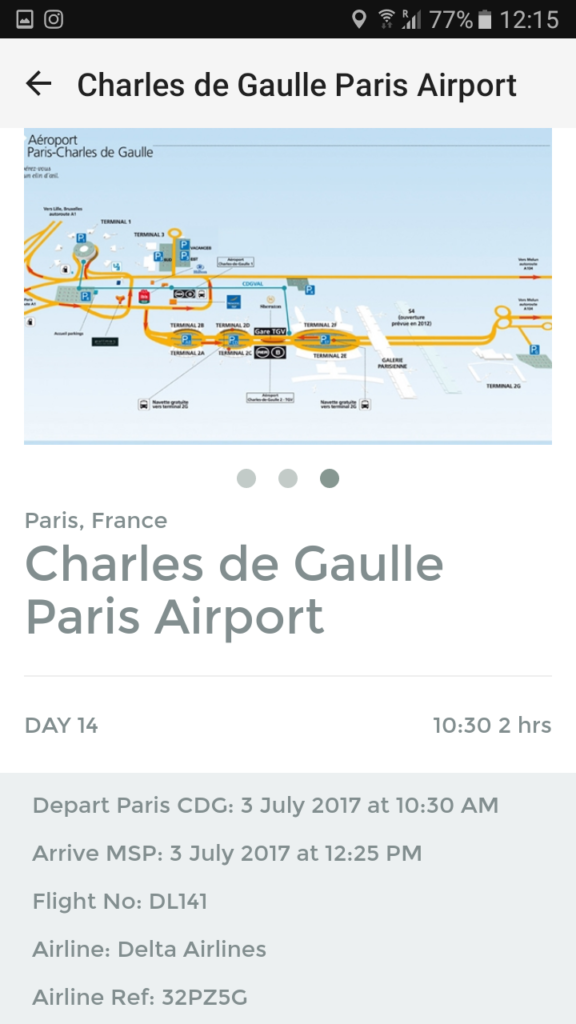
  • Flight and ticket information
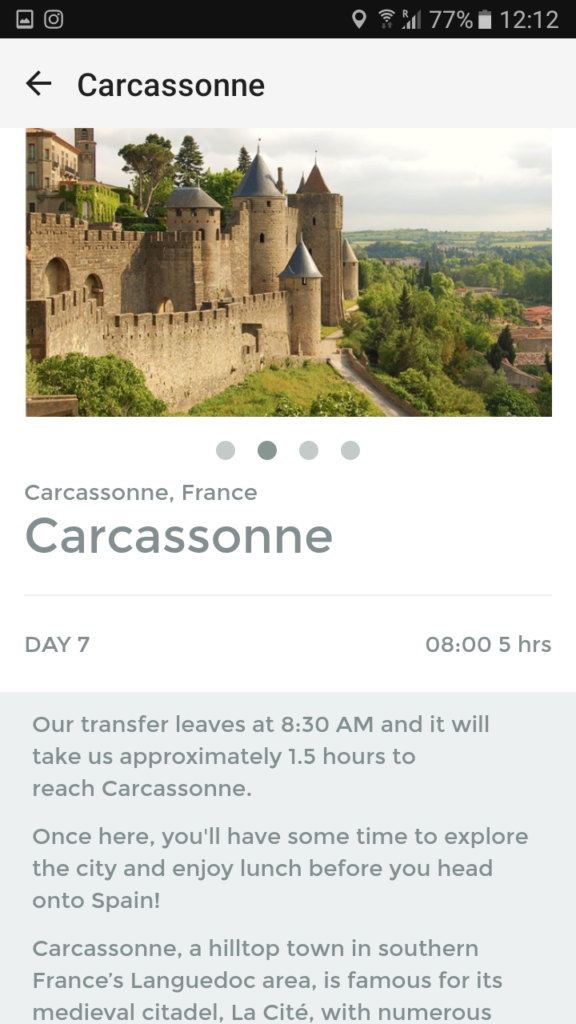
  • Lingo Tour App Screenshot LPM Tour Itinerary
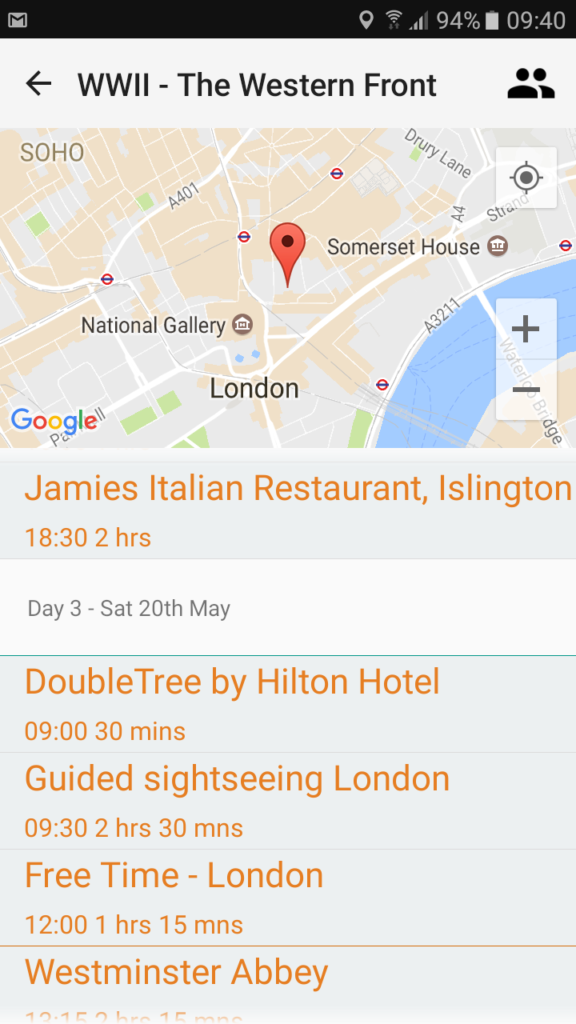
    Daily schedule and maps
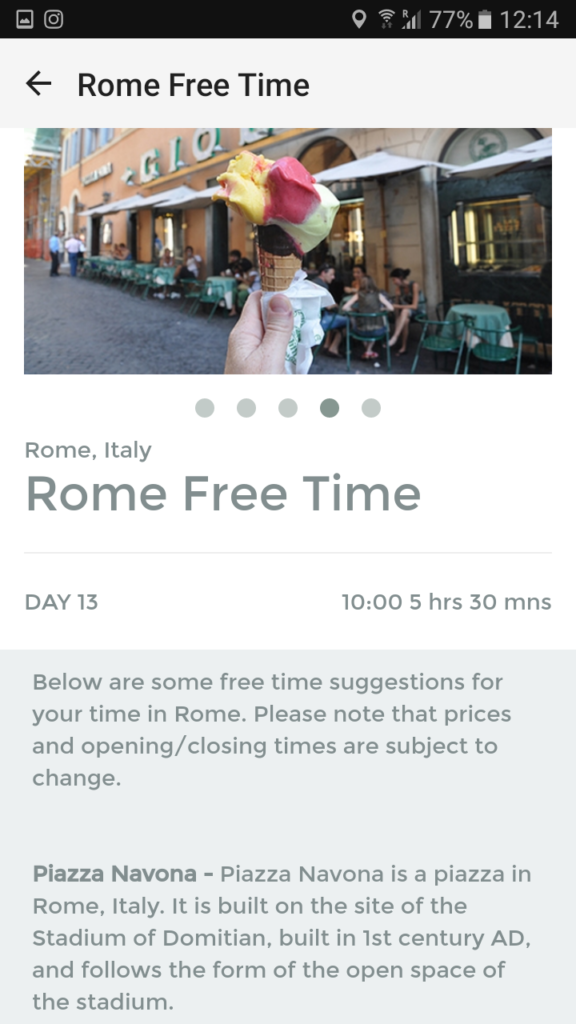
  • Free time suggestions
  • Excursion information

How to use Lingo Tours itinerary app

1. Once downloaded, open the Lingo Tours Itinerary app.

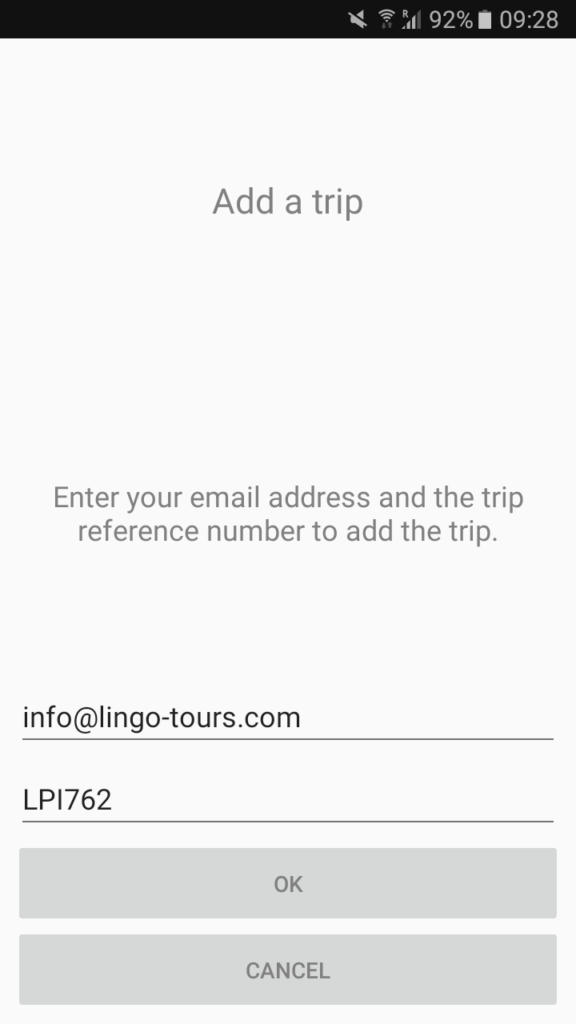
2. On the “Add a trip” screen, enter in your email address and your Trip Reference number. This is your Tour Code and will have been sent to you in an email.

3. Click OK and your tour itinerary will automatically load.

4. Click View to go into your tour itinerary and view your day by day breakdown. Clicking on each module once will select it and load the applicable map. Clicking on it twice will load that module completely, so you can view all the information available by scrolling up and down. Scroll through the pictures by swiping on the photos left and right.

Refresh your tour itinerary by returning to Day 1 on your day by day breakdown screen and dragging your finger down – this will ensure your itinerary displays any updates or changes which have been made to the tour information (such as menu choices etc.). Click on the person icon in the top right-hand corner for information about your Tour Manager. Upload your own photos of places you have visited by clicking into the module and using the camera function.


CREATE A GROUP TOUR TODAY

LOG IN TO ACCOUNT

  • Existing Traveler Log In
  • Group Leader Log In
  • Find My Tour Page

FIND YOUR TOUR – CODE ENTRY

EXPERIENCES ON TOUR

https://www.youtube.com/watch?v=yFr14m9prU0

WHAT THEY SAY

Lingo Tweets

See our Standard Tours for our student section for quick tour set up! We are busy adding more tours to this section and will have more tours added the coming week/s.

Standard Student Tours | Group Tours | Lingo Tours

— Lingo Tours Inc (@Lingo_tours) December 2, 2025

Contact details

USA:

228 E 45th St
New York, NY 10017

Phone: 800-929-0661
Monday - Friday
7:00 AM - 4:00 PM EST
clientservice@lingo-tours.com

Contact
  • Email
    clientservice@lingo-tours.com
  • Address
    Lingo Tours Inc
    228 E 45th Street
    New York, NY 10017
Legal
  • Terms & Conditions
  • Privacy Policies
  • Student Rules
  • Opt-out preferences
News & Updates
  • Learn a Lingo!
  • Bitcoin Educational – El Salvador
  • Lingo Tours Inc on the Move
  • A Journey Through Nature’s Grandest Stage
  • Gateway to the Lost City
  • Morocco Cooking
Accredited Membership
Lingo Tours Inc. BBB Business Review
Lingo Tours Inc Copyright & copy; 2021. All rights reserved
Manage Cookie Consent
We use cookies to optimize our website and our service.
Functional Always active
The technical storage or access is strictly necessary for the legitimate purpose of enabling the use of a specific service explicitly requested by the subscriber or user, or for the sole purpose of carrying out the transmission of a communication over an electronic communications network.
Preferences
The technical storage or access is necessary for the legitimate purpose of storing preferences that are not requested by the subscriber or user.
Statistics
The technical storage or access that is used exclusively for statistical purposes. The technical storage or access that is used exclusively for anonymous statistical purposes. Without a subpoena, voluntary compliance on the part of your Internet Service Provider, or additional records from a third party, information stored or retrieved for this purpose alone cannot usually be used to identify you.
Marketing
The technical storage or access is required to create user profiles to send advertising, or to track the user on a website or across several websites for similar marketing purposes.
  • Manage options
  • Manage services
  • Manage {vendor_count} vendors
  • Read more about these purposes
View preferences
  • {title}
  • {title}
  • {title}